
Covering August 2025 · Published for the web in October 2026.
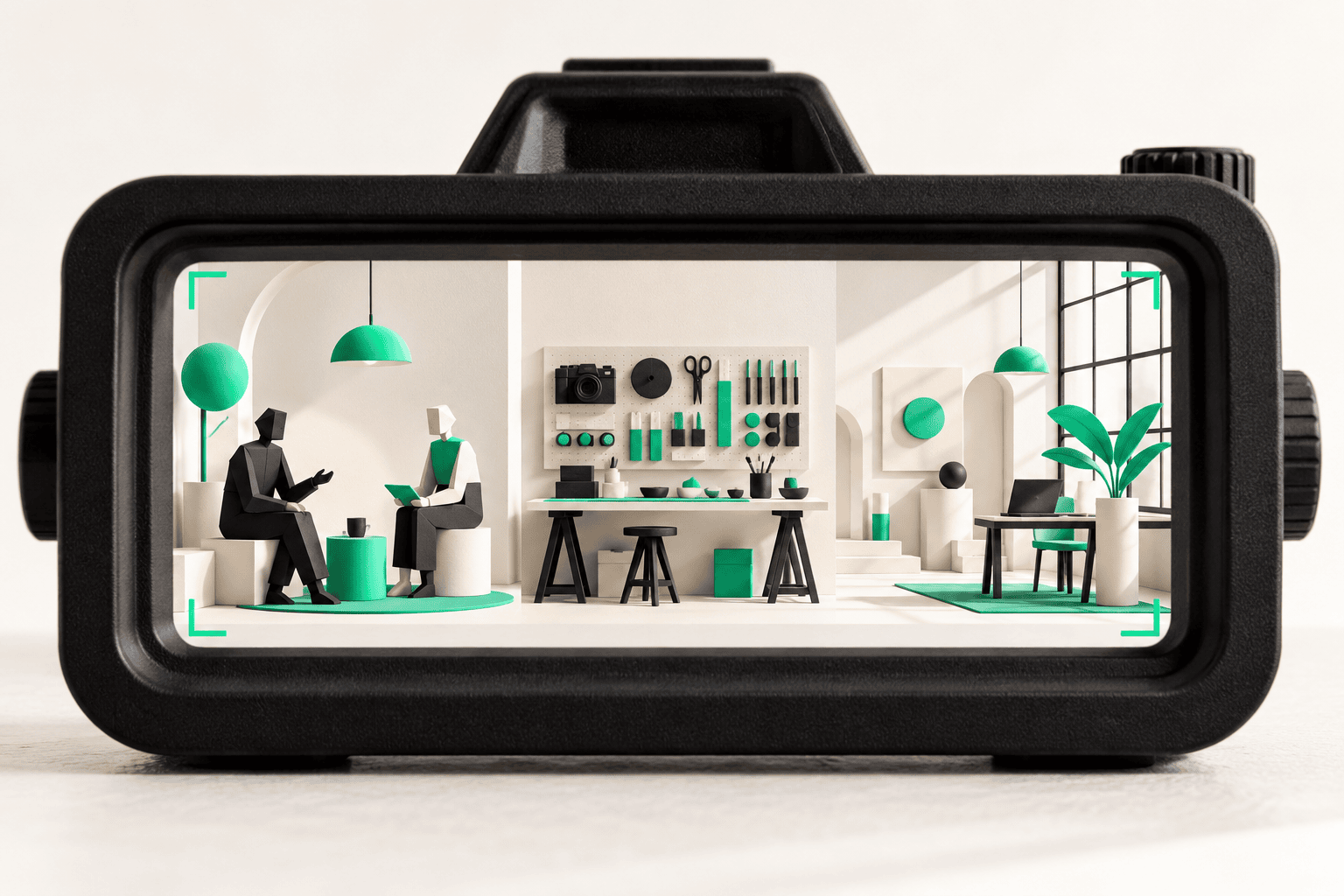
A professional-services firm can leave a photo shoot with excellent headshots and still have almost nothing useful for its service pages. The pictures show who works there. They do not show what it feels like to work with the firm, how the team approaches a problem or why its environment matters.
Brand photography for professional services should begin with buyer questions and intended uses. A shot list built around “people smiling in a meeting” will usually produce exactly that, even when the business has a much more distinctive story to tell.
Authenticity was part of the creative conversation in 2025. Adobe’s April release of its Content Authenticity public beta focused on attribution and information about how work was made. That did not make metadata a guarantee of truth, but it provided relevant context for taking original imagery and its provenance seriously. Adobe’s April 2025 announcement
Start with what a prospect needs to believe
Write the three or four questions photography can help answer. Who will I work with? Does this team understand environments like mine? What does the work involve? Will I feel comfortable contacting them?
Then connect each question to a useful scene. A team portrait establishes who is present. An authentic working discussion can show collaboration. A carefully chosen environment can communicate the kind of work the business handles.
Avoid asking images to prove something they cannot. A polished office does not establish expertise. A staged meeting does not demonstrate a successful client outcome. Use photography to support factual explanations, not to replace them.
Review website layouts before the shoot. A wide hero image needs different composition from a vertical social post or a tightly cropped profile image.
Organize the shot list into three useful groups
People images introduce the team as real individuals. Plan consistent headshots, small groups and a few natural interactions. Consider future hires: can the setup be repeated without recreating an elaborate production?
Process images show how the business works. Choose activities that are genuine and visually understandable. A consultant reviewing a physical model or a technician examining equipment can communicate more than a generic handshake, provided the scene reflects real practice and appropriate safety standards.
Place and detail images give the site texture and context. Workspaces, materials, tools and architectural details can support page transitions and editorial layouts. They are especially useful when a design needs atmosphere without another face looking at the camera.
For every planned shot, name its likely destination. That simple step prevents an attractive but unusable collection.
Prepare the environment without falsifying it
Remove clutter that distracts from the intended message. Check screens, whiteboards, paperwork and badges for private information. Decide which spaces may be photographed and which should remain off-camera.
Use mock materials where necessary, making sure they do not create false client or project claims. Do not photograph a real client merely because they happen to be present. Agree permissions, usage and any review needs in advance.
Brief participants on the purpose and schedule. Offer practical guidance about clothing without making everyone look artificially identical. A person who understands what the image is for is better placed to participate naturally.
Allow time for the actual work environment. If a location cannot safely accommodate a scene, change the plan rather than compromising operations for a photograph.
Shoot for the layout you will actually use
Ask for horizontal and vertical compositions, useful negative space and a range of distances. Keep important faces and details away from edges that may be cropped on smaller screens.
Plan a few images with room for text, but avoid assuming one photograph will fit every channel. A homepage, a recruitment post and a proposal cover have different jobs.
Capture alternatives within each scene: one direct portrait, one working view and one detail. These variations can create a coherent library without making every page look like a duplicate.
Review a small selection during the shoot. If the lighting, background or visual tone is wrong for the site, it is easier to correct while everyone is still there.
Plan the library after the camera is packed
Agree on delivery formats, editing scope, usage rights and source-file expectations before production. Organize final images by subject and intended use, with clear filenames and a record of permissions.
Write useful image descriptions when the photograph communicates information. Decorative images may need different treatment in implementation. Avoid stuffing location or service keywords into every description at the expense of meaning.
Set a replacement trigger for portraits and team images. A beautiful photograph can become misleading when it shows people who no longer work with the business or a location that has closed.
HalfGenius’s Daniel J. Gallagher Law portfolio documents headshots and office/staff photography alongside website work. That connection is practical: imagery and page design are easier to align when the intended uses are planned together.
If your next website needs more than another stock-photo search, explore HalfGenius’s Web Design services and talk with Team Genius about a photography brief built around the questions your next client is already asking.
YOUR NEXT BIG IDEA
Let’s make it happen.
Tell us what you’re working on. We’ll help you find the right next step.