
Covering August 2024 · Published for the web in October 2026.
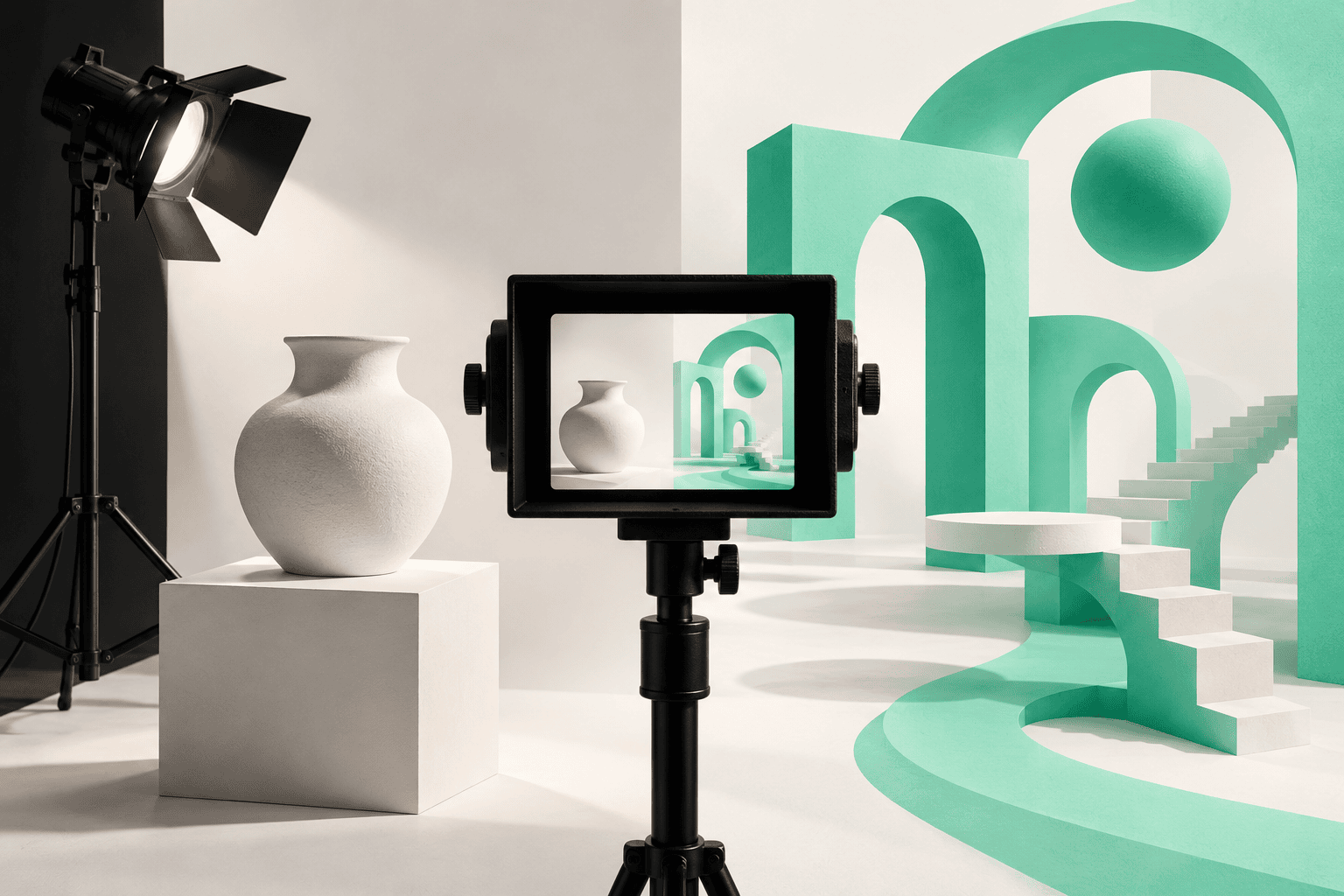
A product photograph and an imaginative campaign image can both be excellent creative assets while doing very different jobs. One helps a customer judge what they will receive. The other may create a mood, explain an idea, or make a brand memorable.
By August 2024, expanding generative tools made that distinction more important. Adobe's July 23 announcement included the general availability of Generate Image in Photoshop, alongside other creative workflow updates. More options for making imagery did not remove the need to decide which details must remain faithful to reality.
For a brand commissioning visuals, a useful brief starts with the image's purpose. The question is which production method can deliver the required accuracy, expression, consistency, and value over time.
Does the image need to prove something about the product?
If customers rely on an image to evaluate color, material, size, packaging, fit, or a working feature, treat accuracy as a core requirement. Real product photography provides a direct starting point, with careful lighting and retouching that preserve what is being sold.
Create a proof-oriented shot list. Include the overall product, important details, relevant scale references, packaging, and the features customers commonly ask about. Give the photographer actual samples and clear information about variations.
AI-generated content should not invent features or make a product appear to perform in ways it cannot. A plausible image can still be misleading. Review the final asset against the actual product, not merely against the prompt or mood board.
Is the image communicating an idea rather than documenting reality?
An abstract editorial image, a deliberately fantastical campaign environment, or an early concept can have a different standard of fidelity. Here, imaginative image generation may be useful when the audience will understand the visual as conceptual.
The art direction still needs to be specific. Define composition, mood, palette, perspective, and the relationship to the brand. Without those decisions, a campaign can end up with a set of individually attractive images that do not belong together.
Make the distinction clear when an image could be mistaken for a real customer, actual event, documented result, or existing product configuration. Do not manufacture a testimonial scene and present it as evidence of a relationship that never happened.
Would a hybrid workflow preserve the important details?
Some projects benefit from photographing the real product and placing it in a designed or generated environment. That can create variation while retaining control over the product itself.
Plan the boundaries before production. Decide which pixels or features may change, who verifies the composite, and which uses require additional review. Check shadows, reflections, edges, scale, and any interaction between the product and its surroundings. A convincing background does not excuse an inaccurate label or an impossible grip.
Keep an approved master image and a record of the versions. If a campaign expands later, the team should be able to identify which assets represent the real product and which include conceptual elements.
What will the asset need to do six months later?
Production value includes reuse. A carefully planned shoot can create hero images, detail shots, team portraits, process footage, and crops for several channels. A generated illustration may be easy to revise in one context but difficult to reproduce consistently across a broader visual system.
Ask for the deliverables your team will actually need: usable crops, clean backgrounds where appropriate, high-resolution masters, accessible descriptions, and clear file organization. Include future packaging or product changes in the discussion so the asset library does not become confusing.
HalfGenius's Ani White Cosmetics work includes photography alongside brand and digital marketing services. That combination highlights a useful planning principle: the image library should support the whole customer journey, not only one campaign launch.
Who is responsible for review and permissions?
Assign reviewers for product accuracy, brand fit, and the rights needed for the intended use. Confirm permissions for reference material, people, locations, and third-party assets. Review the relevant tool and licensing terms rather than assuming every generated output has identical commercial conditions.
Quality assurance should include more than visual polish. Check text, logos, anatomy where people are depicted, product details, and misleading implications. Do not upload confidential product information or client materials into a tool without appropriate authorization.
Build the brief around the decision
Divide the image list into three groups: factual product evidence, expressive campaign creative, and exploratory concepts. Select a production approach for each group, then compare the complete effort, including revisions and review. The cheapest first image is not necessarily the most useful long-term asset.
Explore HalfGenius's creative services and contact Team Genius to plan a visual library that balances product truth with room for imagination. Bring the products, placements, and customer questions. The production method should follow the brief.
YOUR NEXT BIG IDEA
Let’s make it happen.
Tell us what you’re working on. We’ll help you find the right next step.